
Data usage guide
Your MB works
in Korea and abroad
Turn the data you win in games into eSIM data in TripTok.
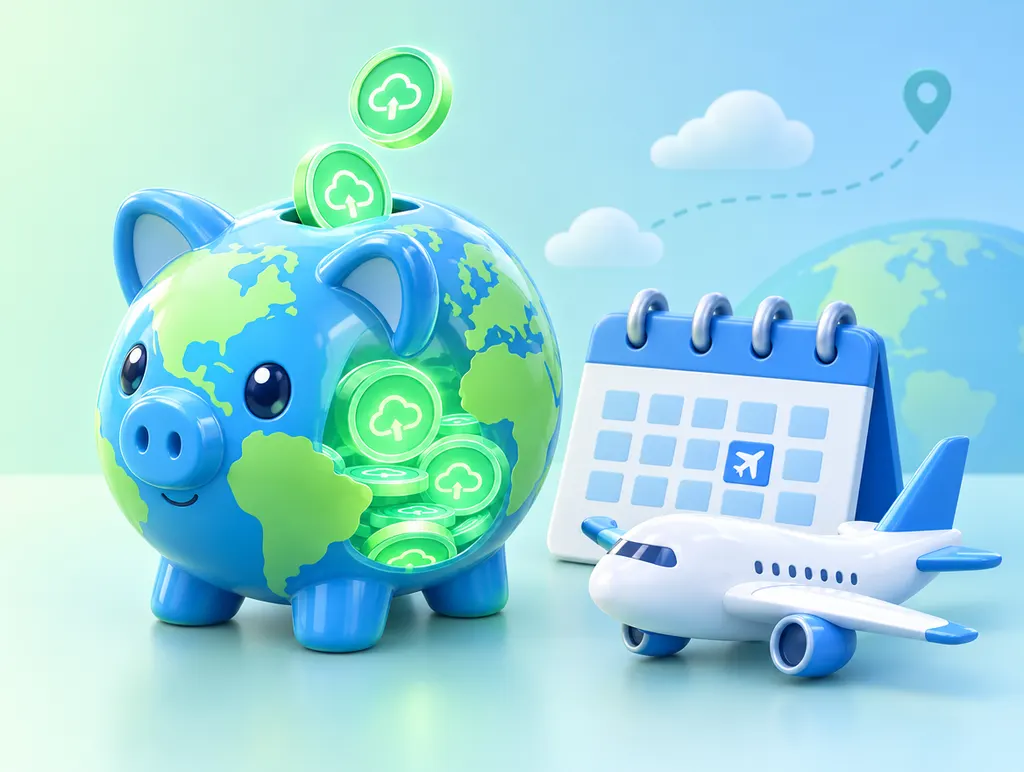
How it works
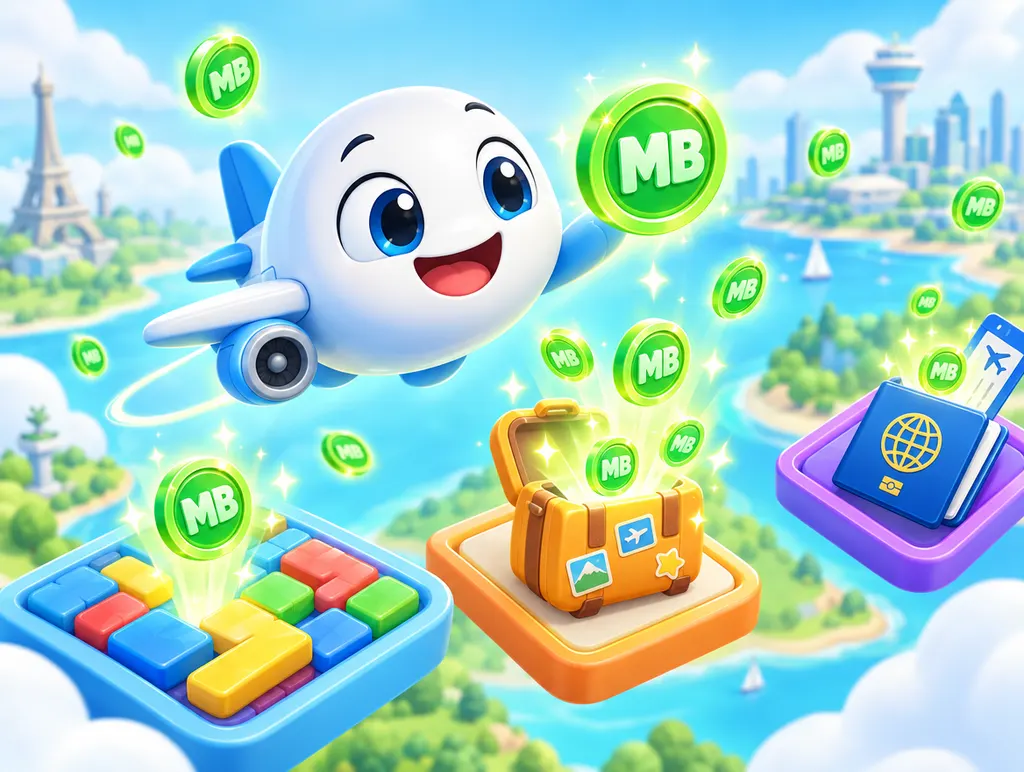 STEP 1
Collect MB by playing
Win short travel games and MB stacks up in your wallet.
Your first win pays 100MB!
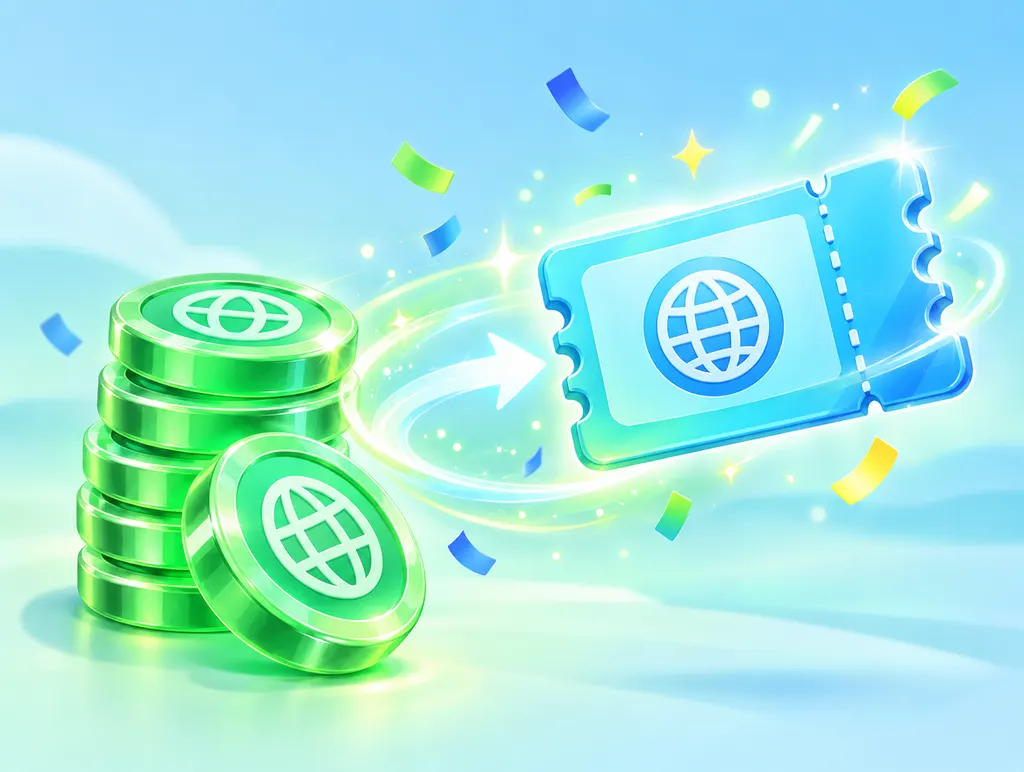 STEP 2
From 100MB, get a data coupon
Log in and turn MB into a coupon code whenever you like.
- Login required
- In 100MB steps
- Any time you want
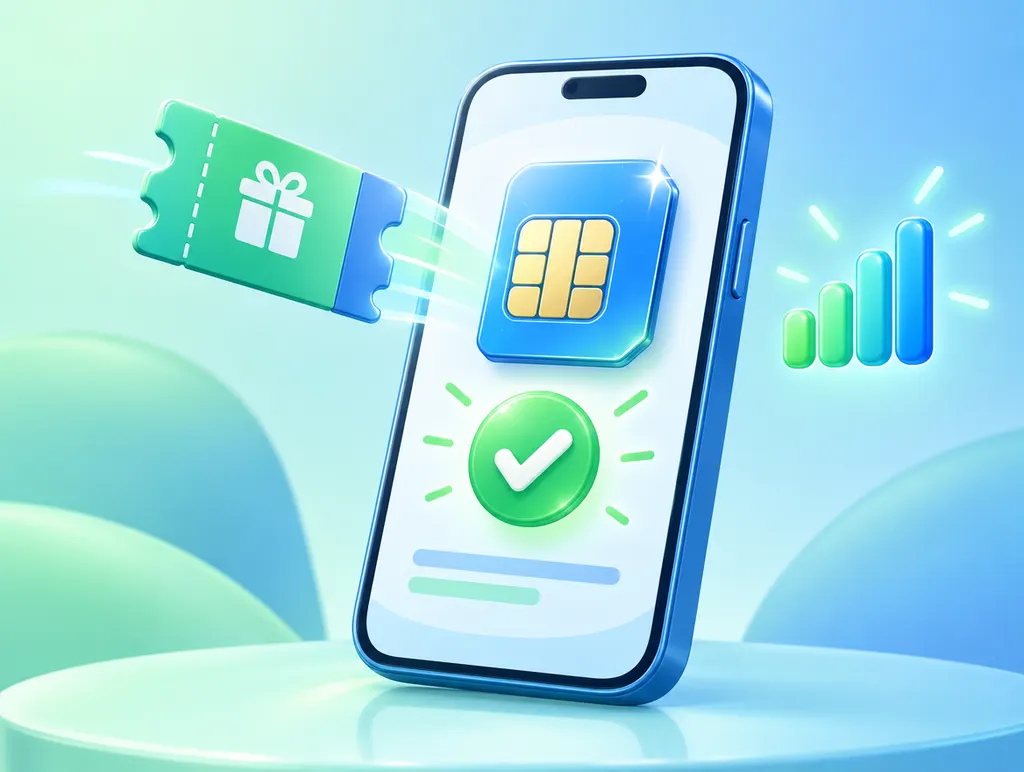 STEP 3
Register in TripTok → eSIM data
Register the code and it becomes eSIM data.
- 1Copy the code from My data coupons
- 2Register the coupon in TripTok
- 3Pick Korea data or a travel eSIM
- 4Install the eSIM following TripTok
Getting a coupon is not the same as installing the eSIM.
Where to use it

Use it in Korea right now
Running low? Pick Korea data in TripTok.
Check the plans and durations available in TripTok.
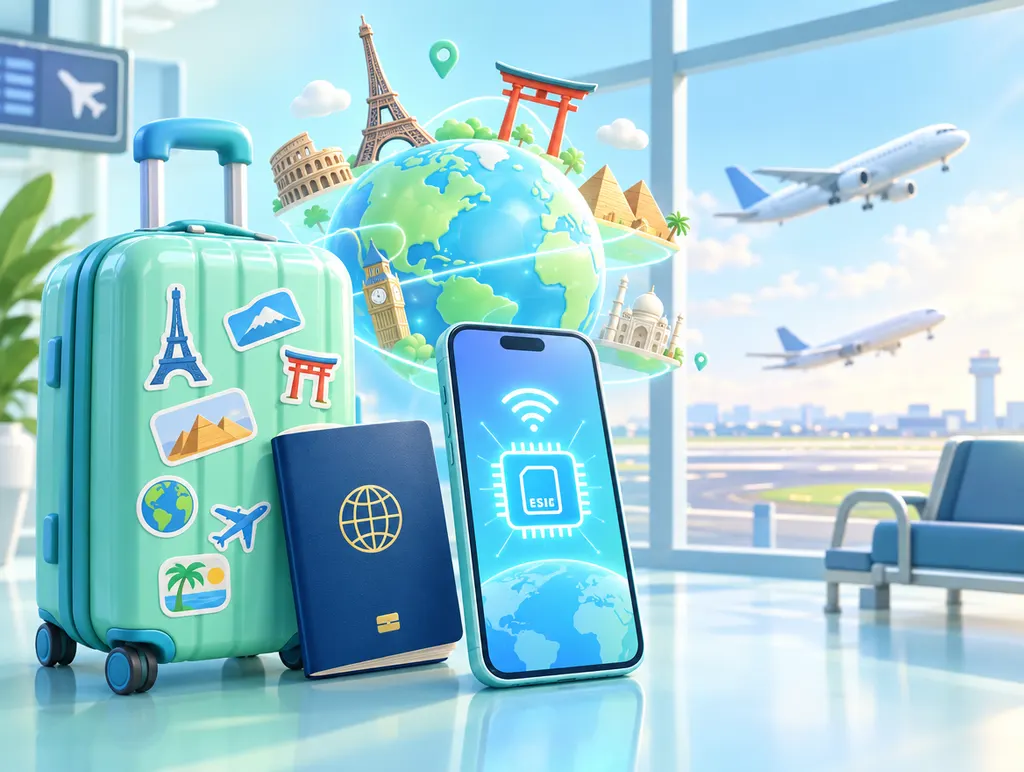
Save it for your trip, skip roaming
Keep collecting MB now. When your trip is set, turn it into a coupon and pick the eSIM for your destination.
- Save now, use later
- An easy eSIM instead of roaming
Check the coupon registration deadline in My data coupons.
Before installing an eSIM
- Make sure your phone supports eSIM
- Stay on Wi-Fi while installing
- Follow TripTok’s install guide
- Coupon issued ≠ eSIM installed
FAQ
Can I use it in Korea too?
Yes! In TripTok, a data coupon works for Korea (domestic) data or an overseas travel eSIM. You choose when you register the coupon in TripTok.
Can I save it and use it on a trip abroad later?
Yes. Keep your MB in the wallet, and when your trip is set, turn it into a data coupon and pick the eSIM for your destination in TripTok. Check the coupon registration deadline in My data coupons.
When can I exchange?
From 100MB, anytime. Exchange as much as you like in 100MB steps, or all of it at once.
How do I get the eSIM on TripTok?
1) Tap Redeem for eSIM on TripTok 2) register the code 3) pick Korea data or the eSIM for your destination.
Where can I use it?
In Korea, or in any overseas destination TripTok supports. You choose in TripTok when you redeem the coupon for an eSIM — check the plans and durations available there.
Why do I need to log in?
To keep your data safe and keep things fair with one account per person. Data exchange needs a login (Toss login in the Toss app, phone number verification on the web).